Who is the killer Controls
PC and mobile inputs that keep you alive in deduction rounds.
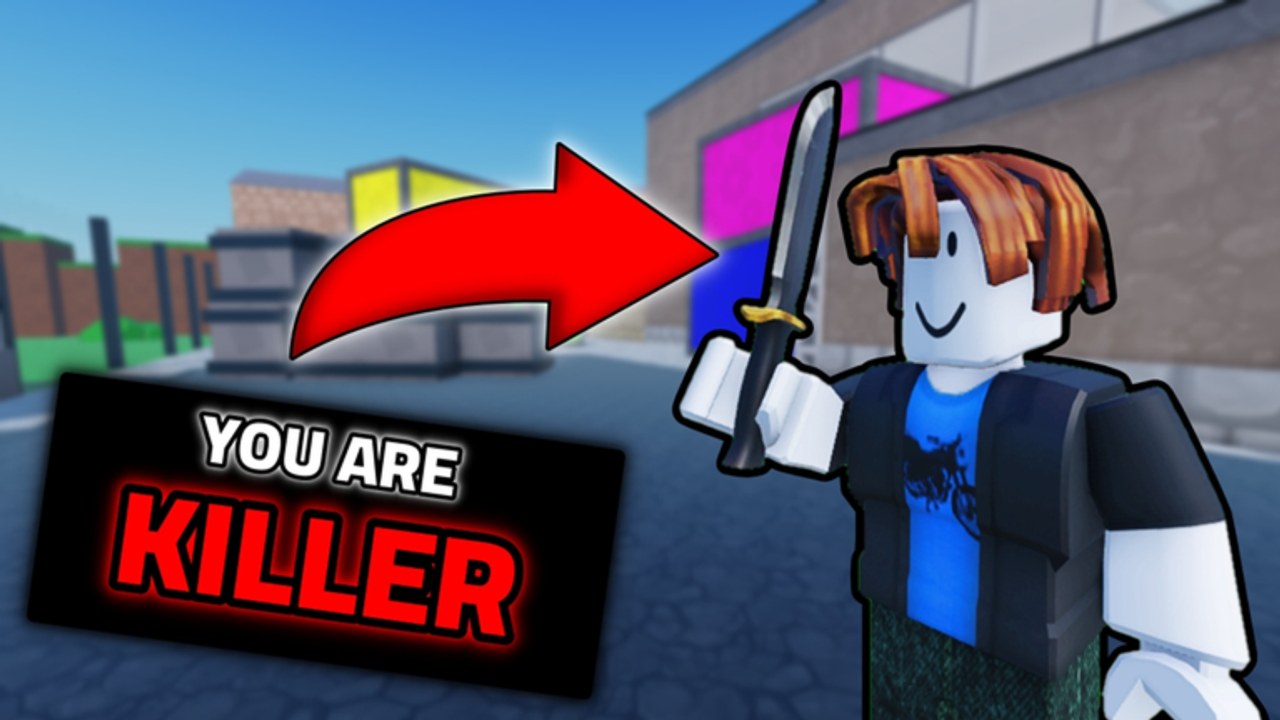
Controls overview
Who is the killer uses standard Roblox movement with experience-specific UI for roles, shop, and codes. This page documents the practical bindings players need. For strategy, return to Getting Started and the Guides Hub.
PC defaults
| Action | Typical binding |
|---|---|
| Move | WASD |
| Jump | Space |
| Camera | Mouse |
| Sprint | Shift (if enabled by the experience) |
| Interact / pickup | E or proximity prompt |
| Open shop / menus | On-screen buttons |
| Codes | Codes button (often left side) |
| Chat | / or the chat panel |
Roblox allows remapping some keys in settings. If Shift sprint conflicts with shift-lock, adjust in Roblox Settings → Keyboard & Mouse.
Camera tips for Investigator
- Lower mouse sensitivity slightly for cleaner flicks.
- Pre-aim head height before swinging corners.
- After a miss, break line of sight before re-peeking—see Investigator guide.
- Avoid wide 360 spins that lose audio orientation.
Mobile controls
| Action | Touch UI |
|---|---|
| Move | Left thumb stick |
| Camera | Right drag |
| Jump | Jump button |
| Interact | On-screen prompt |
| Shop / Codes | UI buttons—may require rotating to landscape |
Recommendations:
- Play in landscape for wider peeks.
- Disable jumpy auto-features if they throw parkour.
- Increase FOV only if you can still track the Killer at range.
- Keep fingers off the Codes field until you are safe in lobby.
UI landmarks every player should memorize
- Role banner at round start—confirm Innocent, Investigator, or Killer.
- Cash counter—know when you can afford your tier list priority.
- Codes button—redeem gifts from the Codes Hub.
- Shop entry—never open it mid-chase in a dead end.
- Event banners—Admin Abuse rules appear here; details on Updates.
Accessibility and comfort
- Raise SFX, lower music.
- Enable closed captions if Roblox provides them for your device.
- Take breaks during long Admin Abuse lag spikes.
- On low-end devices, reduce graphics so footsteps stay readable.
Common control mistakes
- Forgetting shift-lock states while aiming as Investigator
- Opening chat while being chased as Innocent
- Mis-tapping shop on mobile and freezing in place
- Assuming console bindings match PC without checking Roblox menus
Practice drills
- Run a clean figure-eight around a landmark without camera clipping.
- As Investigator, pre-aim three doorways in a row without firing.
- Open and close shop in under two seconds from a safe room.
- Redeem a test on Codes once a live code exists so muscle memory sticks.
Advanced movement habits
Who is the killer rewards players who treat movement as information control. Strafe while listening. Stop briefly at doorway lips so you hear whether someone is already inside. When you must cross an open courtyard, commit fully—hesitation in the open is how Killers time swings. Investigators should combine short peeks with hard resets instead of holding W into unknown rooms.
Practice a silent approach when you suspect the Killer is nearby. Reducing erratic camera noise helps teammates read your intent in chat. On controllers, keep dead zones tight enough that tiny stick drift does not announce you around corners.
Shop and Codes muscle memory
Open the shop only when you can afford a meaningful upgrade and nobody is chasing you. Memorize the button location so you are not hunting UI mid-fight. Redeem codes between rounds or in a safe lobby moment. Full steps live on the Codes Hub.
After Admin Abuse patches, UI anchors can move. Spend thirty seconds in an empty lobby remapping your mental model. The Updates hub calls out those layout surprises.
Cross-play considerations
PC players often have aim advantage as Investigator; mobile players often have flexible sessions. If you are on mobile Investigator, take closer fights and avoid ultra-long hallway duels unless you pre-aim. PC Killers should not assume mobile Innocents cannot juke.
Console players should confirm stick settings in Roblox device menus before blaming the experience. If chat is painful on a gamepad, keep callouts short: room name plus a help ping is enough.
Troubleshooting input bugs
If jump stops working, check whether a proximity prompt or shop focus stole input. If camera flips wildly, reset Roblox camera mode. If Codes will not paste on mobile, refresh clipboard permissions, then paste again. Persistent softlocks after an update deserve a full Roblox restart.
Keep learning
Controls are the floor, not the ceiling. Once inputs feel invisible, return to How to survive, How to play Investigator, and How to play Killer so your fingers execute a plan instead of panic. Bookmark Official Links for the live experience whenever search results show impostor copies.
Related pages
- How to survive
- How to play Killer
- Players Hub
- Scripts — do not replace practice with risky executors
- Official Links
Master inputs first. Fancy strats fail when the camera fights you.
Frequently Asked Questions
Quick answers to the most common questions.
Can I remap controls?
Use Roblox Settings for supported keybinds. Experience UI buttons stay on-screen.
Where is the Codes button on mobile?
Usually on the left after the lobby loads. Rotate to landscape if the UI is cramped.
Why does my aim feel off?
Lower sensitivity, pre-aim corners, and avoid extreme FOV until you track targets consistently.